Five ways to turn product photos into campaign images
Reshoot, new scenes, self-serve AI tools, a managed production partner or 3D: what each route needs, who does the work, and when each one fits.
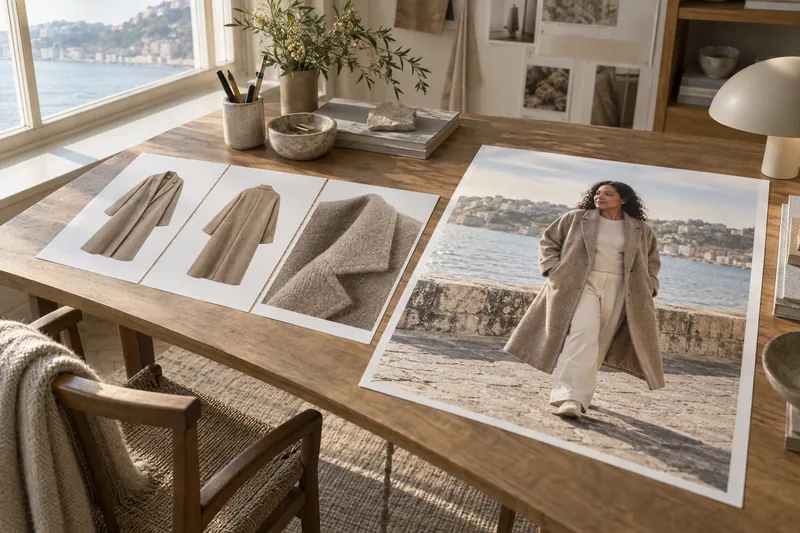
There are five ways to turn product photos you already have into campaign and lifestyle images: reshoot, place the product into new scenes, generate on-model images yourself with a self-serve tool, have a managed production partner such as HUMBLEBOB make and review them, or build 3D visuals. The right one depends on how many products you have, who checks every image against the product, and whether real people are the point of the story.
Written by HUMBLEBOB, a production partner for fashion imagery and one of the options on this page, so read it with that in mind. What other companies offer is taken from their own websites, linked below and checked on 29 September 2026. Report an error to info@humblebob.com and we correct the page.
The five routes
| Route | What you get | Who does the work | Fits when |
|---|---|---|---|
| Reshoot | Real people in a real location | You or an agency: casting, crew, location, retouching | Real people or a real place are the story |
| Place the product in new scenes | The product on new backgrounds and in lifestyle settings, no model | Your team with an editing tool | The object is the point: accessories, homeware, product-led posts |
| Self-serve on-model generation | Generated models wearing your product | Your team generates, checks and fixes | Few products, and someone with time to review every image |
| Managed production partner | Reviewed on-model, editorial and campaign images | The partner prepares, produces, reviews, corrects and delivers | Many products, recurring drops, nobody free to review at volume |
| 3D and digital samples | Visuals from 3D files, even before samples exist | Your design team with a 3D platform | Your products already exist as 3D files |
What each route involves
Reshoot. The most control over real people and places. A full on-model day in the Netherlands comes to roughly €2,500 to €4,600 before usage rights; the line-by-line breakdown is in what a fashion e-commerce photoshoot costs.
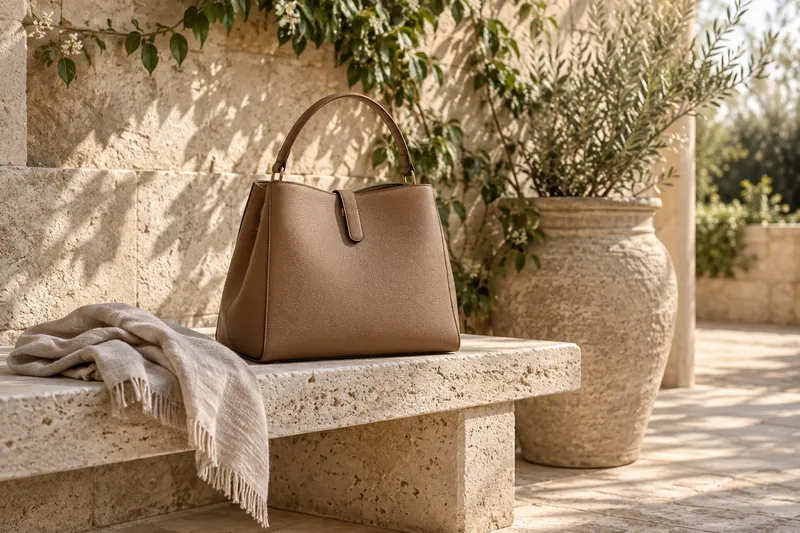
Place the product in new scenes. Photoroom, for example, says it turns a product photo into lifestyle shots and new backgrounds (photoroom.com). This works when no person needs to wear the product. Under the EU AI Act, a real product on an AI-generated background is likely fine without a label as long as the image does not mislead about the product; see Article 50 for fashion.
Self-serve on-model generation. Botika, FASHN, WearView, Uwear and The New Black each describe turning a product photo, flat lay or mannequin shot into images of a generated model wearing it; what each takes and makes, with prices, is in AI fashion model tools compared. Your team does the checking: FASHN, for one, tells users to compare each image with the real product before publishing (fashn.ai).
Managed production partner. HUMBLEBOB takes your packshots (or your CAD and sketches before the samples exist) and brand rules, casts digital models that stay the same person across drops, produces product page, lookbook and campaign images, checks every image for defects, has people review each batch against your packshots and your rules before delivery, and delivers per channel. The five steps of a drop are on How we work. Some platforms offer a managed or reviewed tier too: Botika's Enterprise plan includes review by a dedicated team (botika.com/pricing), and Photoroom's Enterprise Guarantee charges only for outputs that pass fidelity criteria agreed upfront (photoroom.com).
3D and digital samples. This route starts from 3D garment files rather than photos, so it suits teams whose products already exist as 3D files. Some platforms describe visuals made ahead of production; Browzwear, for one, promises "E-commerce-ready visuals before samples exist" (browzwear.com).
What decides the route
- Volume. A handful of products a season suits a self-serve tool; hundreds make review hours the main cost.
- Who checks every image. Someone has to compare each image with the product: buttons, pockets, print scale, colour. See garment fidelity.
- One cast across drops. If the same models must appear season after season, ask how identities are approved and kept; see keeping the same model across a collection.
- Channels and labels. Marketplaces set their own AI image rules; see Article 50 of the EU AI Act and Content Credentials for product images.
- Timing. When samples are late, visuals from CADs or early samples can fill a wholesale book; see making a lookbook.
Where HUMBLEBOB fits, and where it does not
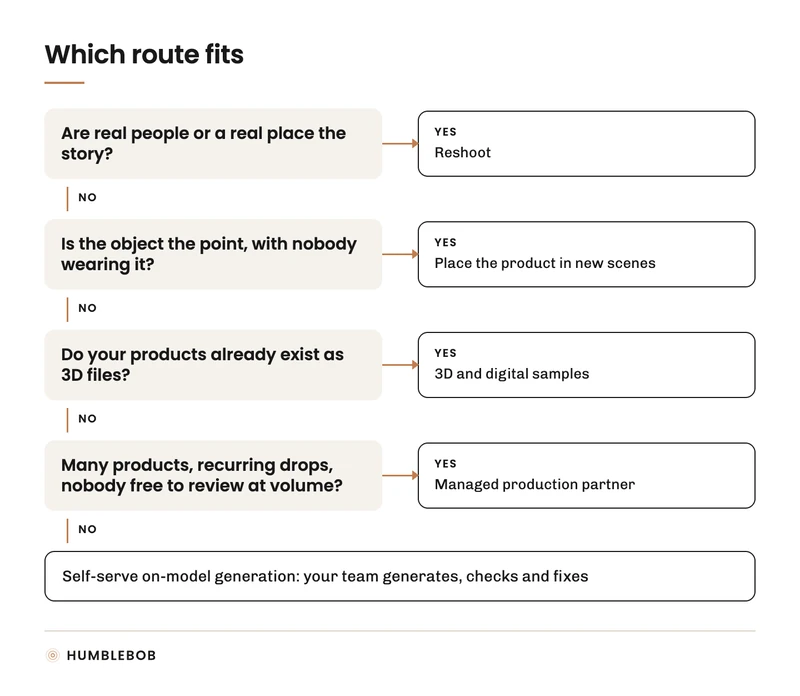
HUMBLEBOB fits brands with large assortments and recurring drops that want the same approved models across seasons and have nobody free to generate and check images at volume. It is the wrong choice for a few products a year (a self-serve tool with your own review usually fits better), for campaigns where real people are the story (shoot them), and for products you cannot give us references for: we do not guess garment details.
To test the fit on your own products, use the pilot brief, or see what a fashion photoshoot costs to compare against a reshoot.