
Reference confusion
Reference confusion means details from one reference appear on another part of a generated image, such as trouser colour transferring to a shirt.
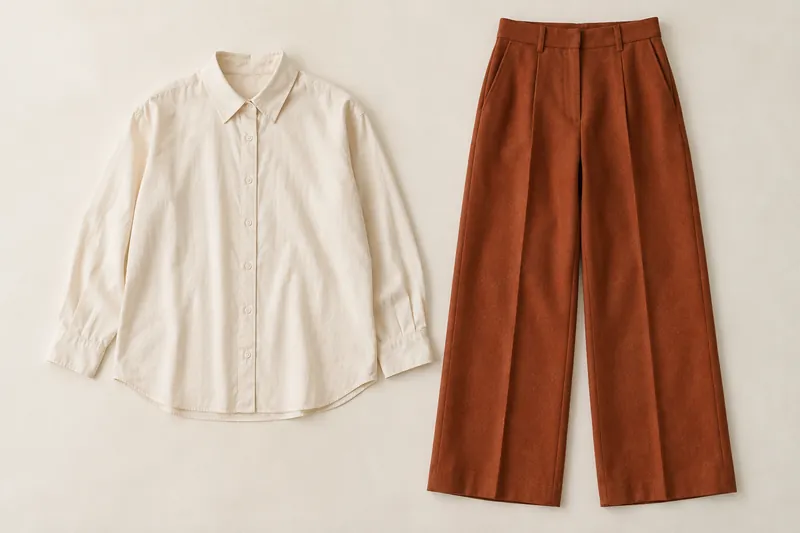
What it looks like
- The colour of the trousers appears on the shirt, or the other way round.
- The length or fit of the product changes to match another element of the image.
- A detail from one garment, such as a pocket or a print, appears on another.
- A location's dominant colour tints the garment or the skin.
How to catch it in review
Check every garment in the image against its own reference, not only the hero product. Pay particular attention to garments that sit next to each other.

How to prevent it
Keep product references clean: one product per image, on a neutral background. A reference that shows two garments gives the details of one a chance to end up on the other.
Related: product references, colour shift, character consistency.