
Colour shift
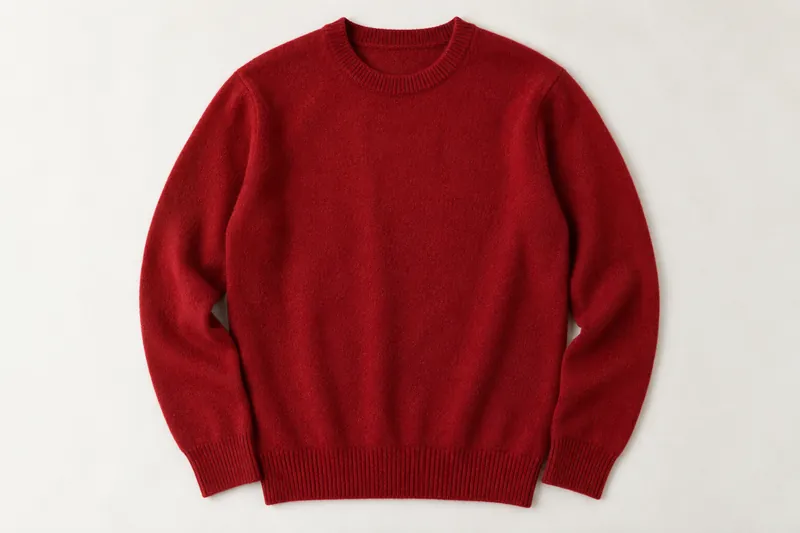
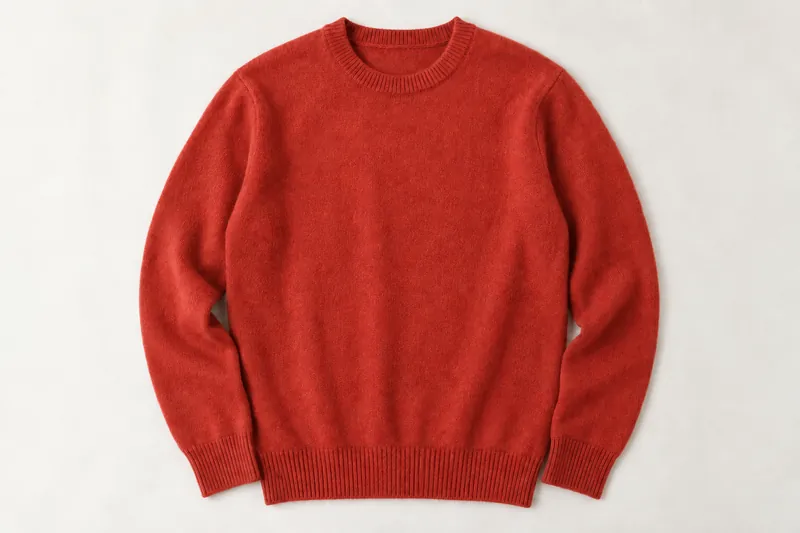
Colour shift means an image shows a different colour from the real product.
Common causes
- Colour from a description instead of a reference image. "Red" covers many shades; only the product image shows which one is meant.
- A cast in the reference. A packshot shot under warm light passes its cast to every image made from it.
- Environment and light. A warm location or a coloured background pulls the garment's colour with it.
- Neighbouring garments. A strong colour next to the product bleeds into it. See reference confusion.
- Difficult colours: saturated reds, navy next to black, off-whites, neon, and white on white.
How to catch it in review
Compare with a colour-checked reference on a calibrated screen, and measure when a colour looks off: sample a flat, evenly lit area of fabric in both images and compare with Delta E. Agree the threshold before production, not during review.
How to prevent it
Take colour only from reference images, check those references against the physical sample, and make colour matching a named step for categories and channels where it has caused rejections before.
Part of garment fidelity.