
Comparison
Uwear alternatives for fashion brands
See what Uwear offers, who reviews the images and where to compare other options.

Written by HUMBLEBOB, one of the services compared. Vendor information comes from the linked websites, checked on 29 September 2026. Prices and features may change. Corrections: info@humblebob.com.
What Uwear says it does
- Type: Self-serve studio and API, plus an Enterprise tier
- Input: Product photos, supplier photos or sample garments
- Output: On-model product page images and video in one consistent style
- Pricing: USD 0.10 per credit, minimum 170 credits, credits do not expire; Enterprise: custom, shaped around your catalogue
- Trial: No free tier
- Review: An optional automated AI reviewer checks each image and retries failures (shown on its home page without a plan named)
- Based in: Canada
- Sources: pricing, home page, about
Reasons to compare options
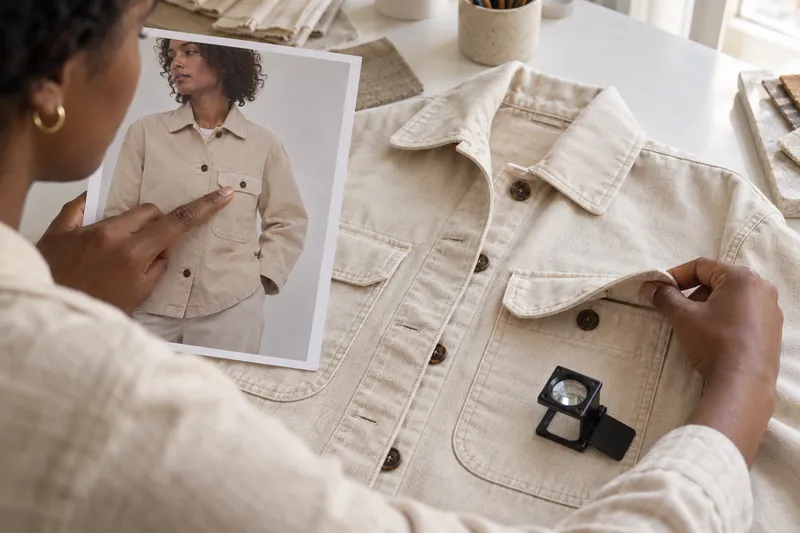
- Review hours. With a self-serve tool, someone on your team compares each image with the packshot, including the rejects. At a few hundred images per season that adds up.
- Paying for rejects. Credits pay for every generation. Some enterprise tiers charge only for images that pass; ask every vendor what you pay for when an image fails.
- One model across the range. Check whether the same person holds up in back and three-quarter views across many products.
- Channel rules. Marketplaces handle AI images differently; plan for the channels you sell on.
Other options include self-serve AI tools, a service that produces and reviews images, and a photoshoot. Compare them in AI fashion image tools compared.
How to choose
- Count the images you need per season and the hours your team can spend checking them.
- Run the same few dozen real products, including your hardest, through each option you are considering. The checks are in AI models for clothing brands.
- Compare the cost per accepted image, not the price per generation.
The full side-by-side of all vendors is on AI fashion model tools compared.